
Confirm the right ride
Ride PIN helps make sure the correct rider and driver are matched before the journey starts.
Because feeling safe matters — whether you're riding or driving. Zylo brings together people, technology and thoughtful safety tools to help protect every journey.
Explore Zylo Safety
Before you get in, Zylo helps you know who you're riding with and gives you tools designed to keep your journey connected from pickup to arrival.
Driver and vehicle details help you confirm the right car before getting in.
Keep trusted people connected to your live ride status.
Ride PIN, Trusted Contacts and other safety tools support you throughout the journey.
Zylo gives drivers more awareness before pickup and safety tools that stay available throughout the journey.
See key rider and trip information before deciding whether to accept.
Safety Zones help drivers understand the risk level of areas across the journey.
Trusted Contacts, trip audio recording and in-trip safety tools give you added support while you drive.

Once the trip begins, Zylo’s safety tools continue working throughout the journey — helping riders and drivers stay connected, informed and supported until arrival.
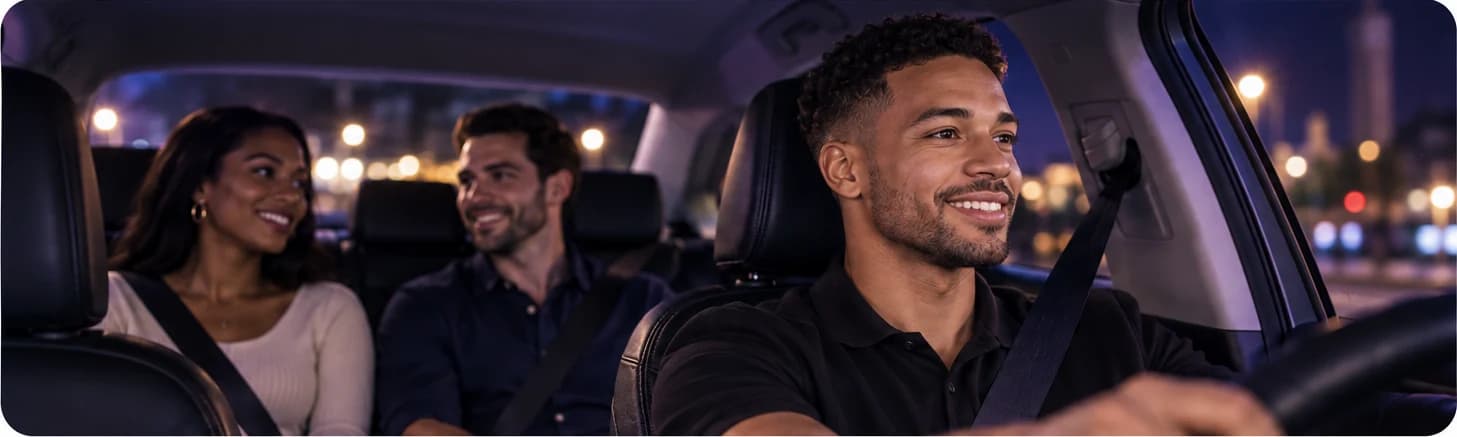
Ride PIN helps make sure the correct rider and driver are matched before the journey starts.
Live trip sharing and Trusted Contacts help selected people follow the journey while it is in progress.
The emergency call / panic button in the in-app Safety Centre connects you to emergency response when you feel unsafe or are in trouble.
Zylo Safety Zones help drivers understand the general risk level of an area before and during a trip, so they can make more informed decisions along the journey.
Areas operating under standard safety conditions.
Areas where drivers should use additional awareness and judgement.
Areas identified as requiring a higher level of caution.
Riders and drivers can use trip audio recording as an additional safety tool during a journey. Recordings are designed to support safety reviews when an incident needs to be investigated.
Both sides of the journey can use trip audio recording when they need an added layer of protection.
Recordings are stored securely and are not treated like ordinary public audio files.
Access is limited to authorised safety and support processes when an incident or report requires investigation.
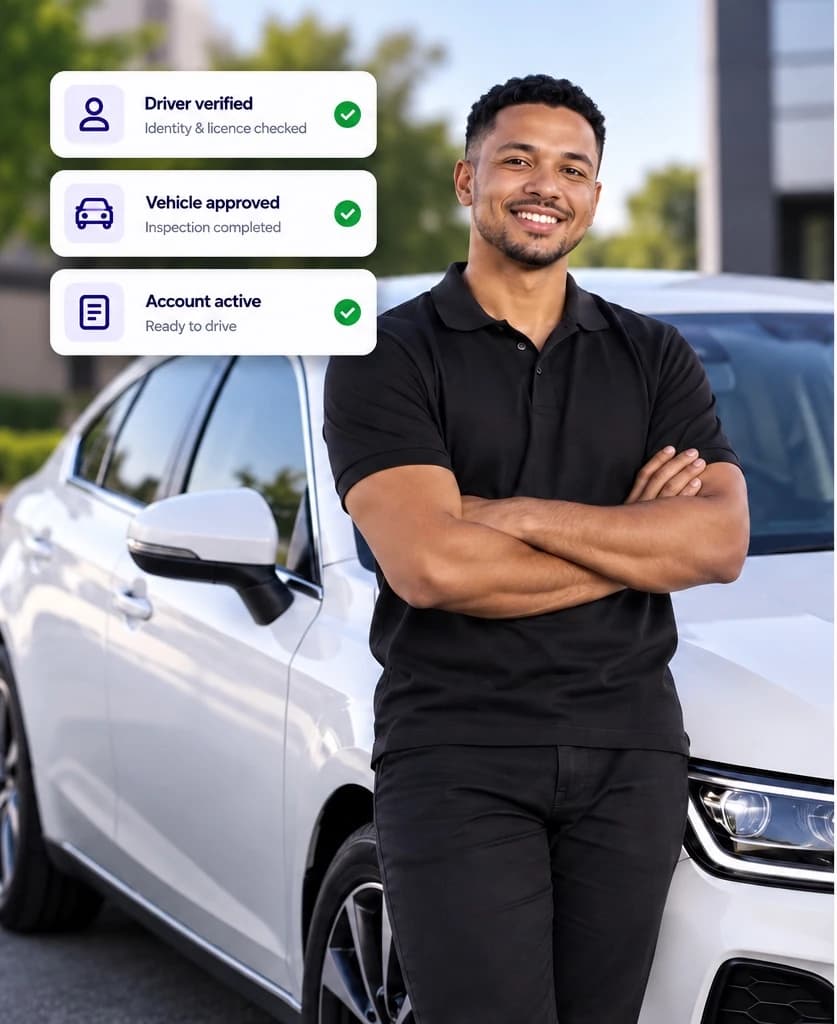
Zylo uses driver, vehicle and account checks to help create a safer platform before a journey even begins.
Identity, licence and required driver documents are reviewed before approval.
Vehicles must meet Zylo’s applicable requirements and complete the required inspection process.
Driver, rider, vehicle and trip information are linked to the journey, creating a clear trip record when safety or support review is required.
Clear answers about the tools and protections available to riders and drivers on Zylo.
When enabled, the rider receives a PIN that the driver must enter before the trip can begin, helping confirm the correct rider and driver are matched.
Yes. Riders and drivers can use Trusted Contacts and live trip sharing to keep selected people informed during a journey.
Yes. Trip audio recording is available to both riders and drivers as an additional safety tool during a journey.
Access is limited to authorised safety and support processes when an incident or report requires review.
Safety Zones help drivers understand the general risk level of an area using Normal, Caution and High Risk classifications.
The in-app Safety Centre gives access to the emergency call / panic feature, which connects you to emergency response when you feel unsafe or are in trouble.
Yes. Driver identity, licence and required documentation are reviewed, and vehicles must meet Zylo’s applicable requirements and complete the required inspection process.
Yes. Live trip sharing is a safety feature that can be used when you choose to keep trusted people informed during your journey.
Whether you’re riding or driving, Zylo puts practical safety features within reach before, during and after every journey.